


Once your Cashflow information is updated, you can produce informative reports. Filter your Cashflow view to reflect the categories, tags, accounts and dates you would like in your report.
You can generate reports from the home portal page or from the Cashflow area.
From the home portal page, click on ‘View Reports’ on the right side and choose your preferred Cashflow report.

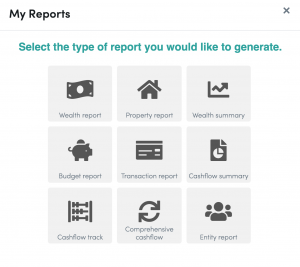
To produce a report from the Cashflow page:
1. In the Cashflow area of the portal, click on cashflow reports at the bottom of the dropdown screen and choose your preferred report.

2. Once your report has been chosen and viewed, you can download and print the report.